
Get a $20 Bonus with ShopBack (Beginner-Friendly Guide)
If you shop online even occasionally, you’re probably leaving money on the table.
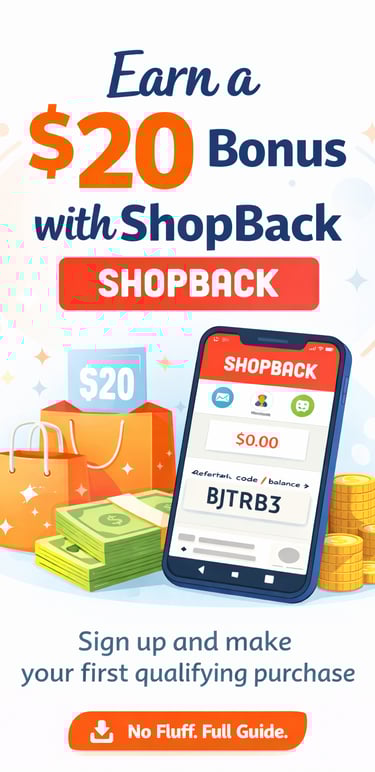
ShopBack is one of Australia’s most popular cashback apps, and right now, new users can earn a $20 bonus just for signing up and completing their first eligible purchase.
In this guide, I’ll explain what ShopBack is, how it works, and exactly how you can qualify for the $20 bonus step by step.
What Is ShopBack?
ShopBack is a free cashback platform that lets you earn money back when you shop online through popular retailers.
Instead of shopping directly on a store’s website, you click through ShopBack first. ShopBack then tracks your purchase and pays you cashback, which you can later withdraw to your bank account or PayPal.
Popular stores on ShopBack include:
Amazon
Woolworths
Coles
Expedia
SHEIN
AliExpress
…and hundreds more.
What Is the $20 ShopBack Bonus?
ShopBack offers a new-user signup bonus for first-time users who join through a referral link and meet the eligibility requirements.
Currently:
New users can earn a $20 bonus
The bonus is unlocked after completing a qualifying purchase
Bonus eligibility is subject to ShopBack’s Terms & Conditions
Step-by-Step: How to Get the $20 ShopBack Bonus
1️⃣ Download the Free ShopBack App
Start by downloading the ShopBack app using the referral link below:
👉 https://app.shopback.com/i2GAn40oYZb
This ensures the referral is tracked correctly. (Make sure to use referral code bJTRB3 to get $20)
2️⃣ Create Your Account
Sign up using:
Email, or
Google / Apple login
During signup, make sure the referral code bJTRB3 is applied.
3️⃣ Make Your First Eligible Purchase
To unlock the bonus:
Shop through the ShopBack app or website
Click through to a participating store
Complete a qualifying purchase that meets ShopBack’s minimum spend rules (varies by retailer)
⚠️ Important: Cashback and bonus eligibility depends on the store’s terms, so always check the conditions before purchasing.
4️⃣ Receive Your $20 Bonus
Once your first purchase is tracked and approved:
Your $20 bonus will be credited to your ShopBack account
Cashback and bonuses usually move from pending to confirmed after the retailer validates the purchase
When Can You Withdraw the Money?
After cashback and bonus amounts are confirmed:
You can withdraw to your bank account or PayPal
Withdrawals are typically processed within a few business days
This makes ShopBack a simple way to earn extra money on purchases you’re already making.
✅ Tips to Make Sure Your Cashback Tracks
To avoid missing out:
Always start shopping inside the ShopBack app
Disable ad blockers when shopping
Don’t open other cashback or coupon sites at the same time
Complete your purchase in one session
Following these steps improves tracking accuracy.
Is ShopBack Worth It?
For most people, yes — especially if you:
Shop online regularly
Want to save money without changing your shopping habits
Like earning bonuses and cashback together
ShopBack is free to use, and there’s no obligation to continue if you don’t find it useful. Many people initially join for the sign-up bonus and continue using it for the ongoing cashback on eligible purchases.
Personally, I’ve been using ShopBack for my regular online shopping for a long time, and the small cashback amounts really add up over time — making it a simple way to save money on things I was already buying anyway.
Reach US :
Inspire
contact@thewideangle.blog
© 2025. All rights reserved.